Region
Built to handle cross-border commerce
Sell globally with local payment and shipping options, currencies, and taxes. Open a new region in minutes from your Aiminaabee dashboard.
Create Region
Name
Currency
Automatic Taxes
When enabled, tax is calculated at checkout from the shipping address and your Tax Region rates. When disabled, tax must be handled manually or by a custom provider.
Tax inclusive pricing
When enabled, catalog prices already include tax (tax-inclusive). When disabled, prices are before tax and tax is added at checkout (tax-exclusive).
Countries
Add the countries included in this region.
Providers
Select payment providers available at checkout in this region. The System provider completes orders without a gateway—you mark payment as received yourself.
Payment Providers
Fit into any local context
Local tax rules, shipping options, and payment providers — configure each market without fragmenting your store.
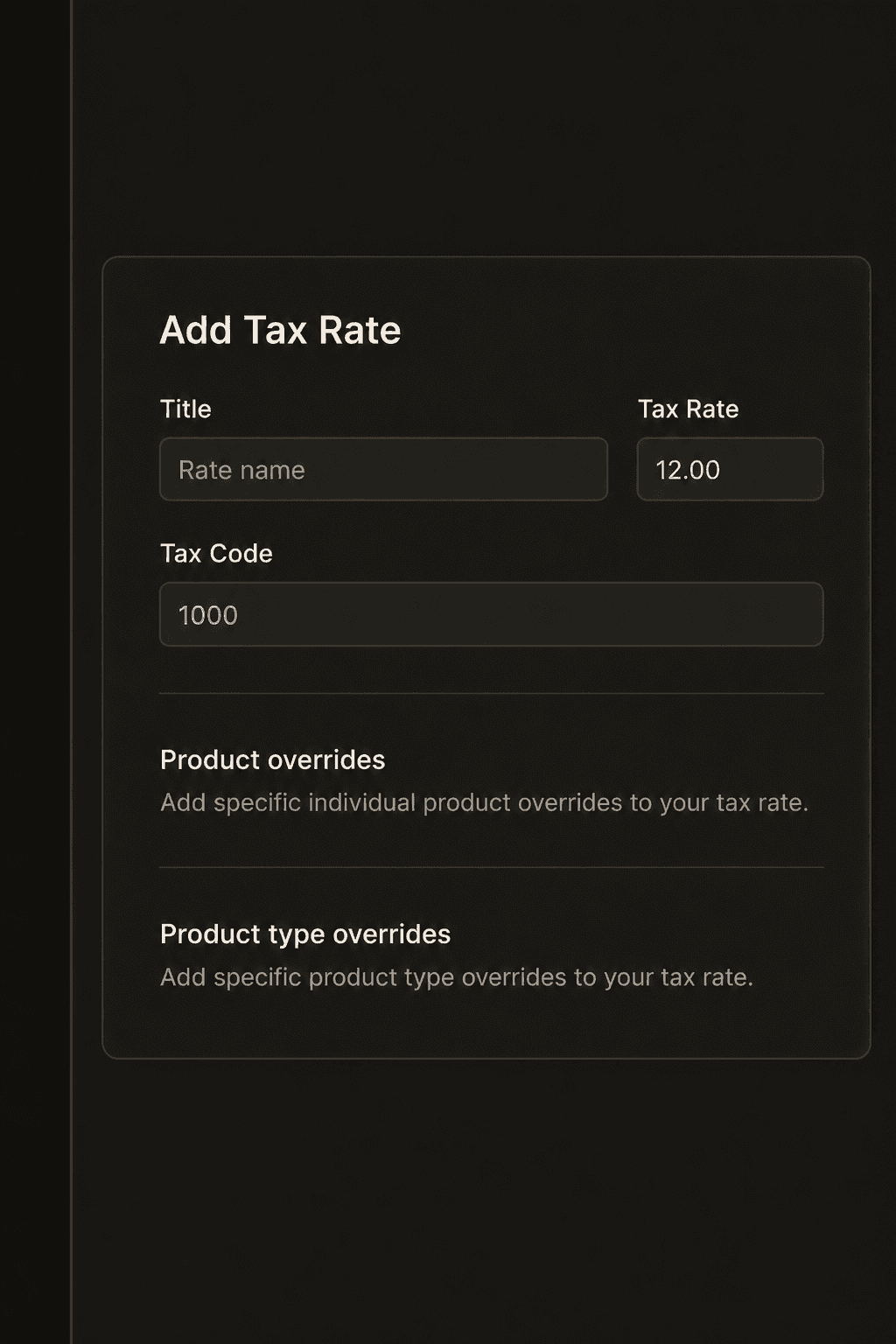
Set local tax rules
Select local currencies and integrate with the tax module to set up tailored tax logic for each region.
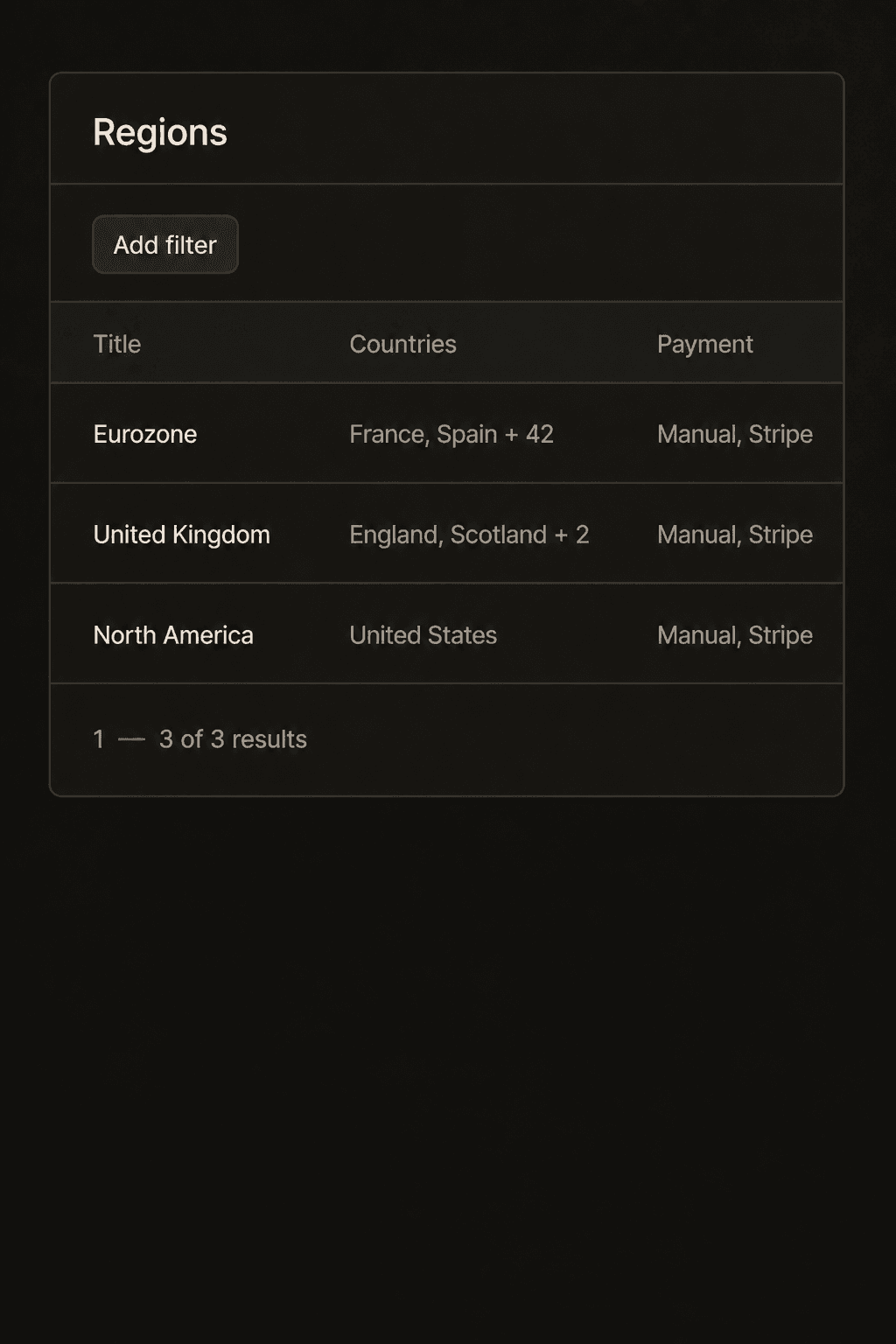
Set your own regions
Set up custom regions that share currency, payment and shipping options, and more.
Everything a market needs
Currency, countries, taxes, payments, and fulfillment — scoped per region from one backend.
Unlimited regions
Operate as many markets as you need without spinning up separate stores.
Currency per region
Assign USD, EUR, MVR, and more so prices and carts match local money.
Shipping and returns
Configure local shipping and return options tied to stock locations in each market.
Payment providers
Enable regional payment methods so checkout feels native wherever you sell.
Tax preferences
Automatic taxes and tax-inclusive pricing preferences per region.
Extend regional data
Add custom attributes or widgets when your markets need more than the defaults.
The best foundation for cross-border commerce
All the controls you need to operate globally — extendable when a market needs something unique.
Included
Built in
- Set up unlimited regions to operate within
- Control local shipping and return options
- Add local payment and fulfillment providers
- Set localized currency and tax rates
- Make granular regional tax and shipping adjustments
- Group countries that share market rules
Customize
Extend
- Set up any regional rules for your store
- Configure your own regional groupings
- Replace or sync with your own systems
- Works with all Aiminaabee commerce modules
- Connect third-party systems through APIs
- Extend with your own custom data models
- Use standalone with your own stack
Ready to sell across borders?
Regions, currencies, taxes, and payments — go global from the same Aiminaabee dashboard that powers your storefront.