Draft Orders
Create and manage draft orders on behalf of customers from the vendor dashboard.
On this page
The Draft Orders section of the vendor dashboard allows you to create and manage draft orders on behalf of customers.
Draft orders are useful for handling customer support scenarios or when a customer places an order offline, such as over the phone or in-store.
You can view the list of available draft orders in your store by clicking Orders → Drafts from the sidebar menu.
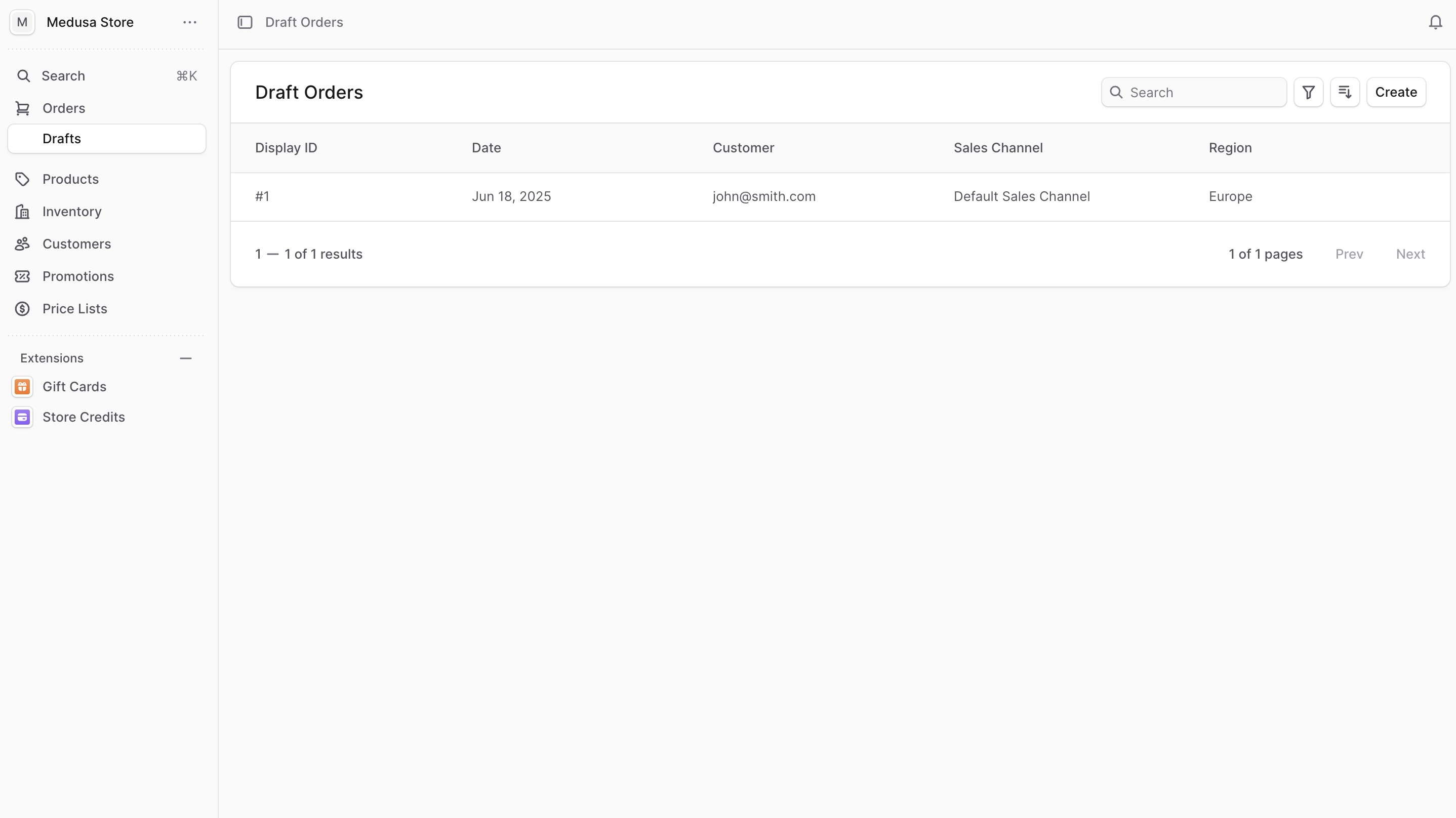
In the list, you can see draft order details such as the ID, date, customer, sales channel, and region. You can also search, filter, and sort the orders to find the specific draft order you are looking for.