Overview
Manage your store's details, regions, sales channels, and more from the vendor dashboard.
On this page
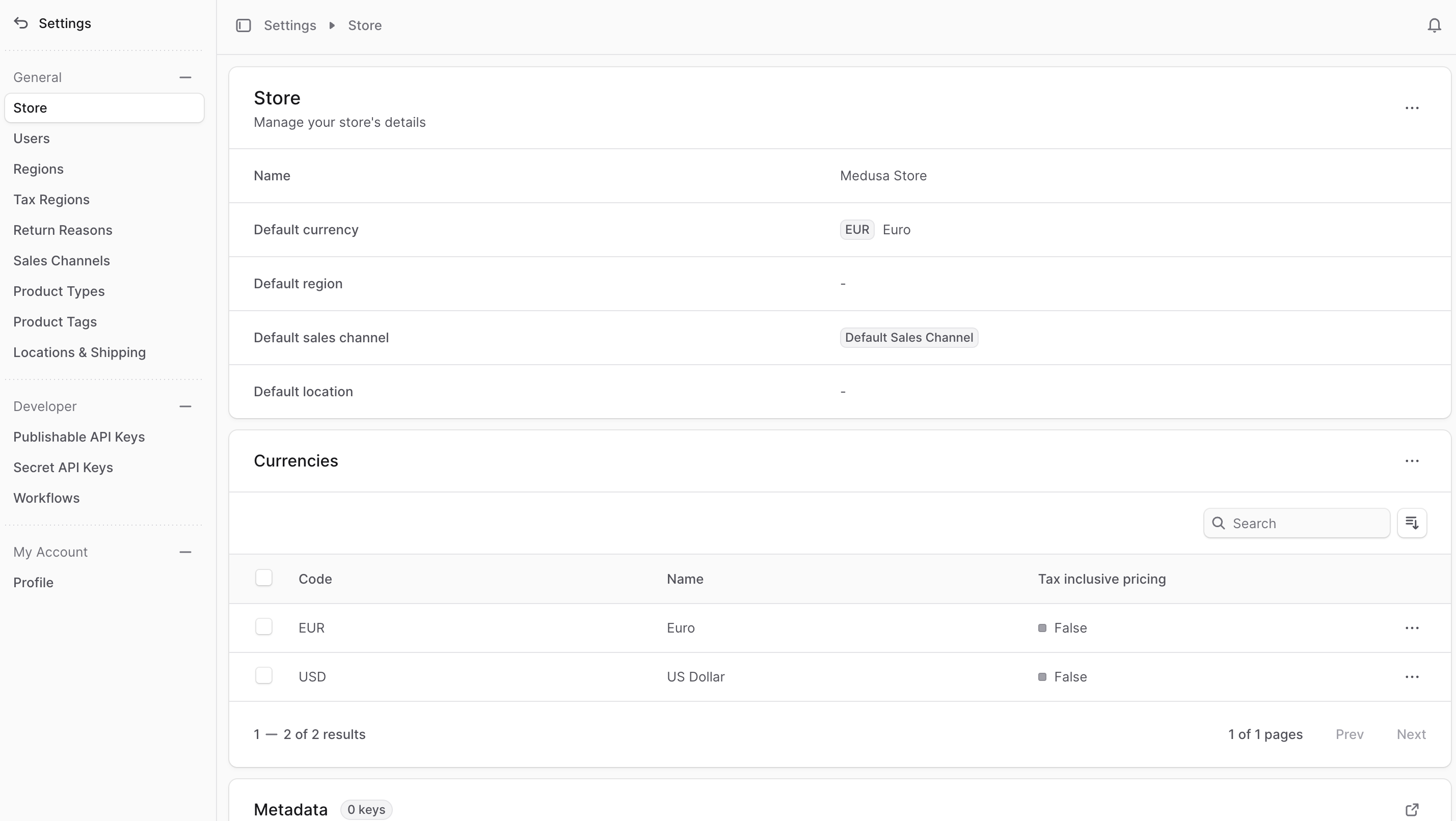
Your store's settings are where you can manage your store's details, regions, sales channels, and more.
You can access your store's settings by clicking Settings at the bottom of the sidebar. This opens a settings panel with its own sidebar for managing your store's data.
You can return to the main sidebar by clicking the back arrow at the top of the settings sidebar.