Manage Shipping Option Types
Learn what shipping option types are and how to manage them in the vendor dashboard.
On this page
In this guide, you'll learn what shipping option types are and how to manage them in the vendor dashboard.
What is a Shipping Option Type?
A shipping option type is a classification of shipping options that share similar characteristics. For example, you can have a shipping option type for "Standard Shipping" and another for "Express Shipping".
Shipping option types help you organize and manage your shipping options. They also allow you to set promotions for specific types of shipping options.
Your store may include default shipping option types such as "Standard" and "Express". You can manage these types or create new ones to better fit your business needs.
View Shipping Option Types
To view shipping option types in your store:
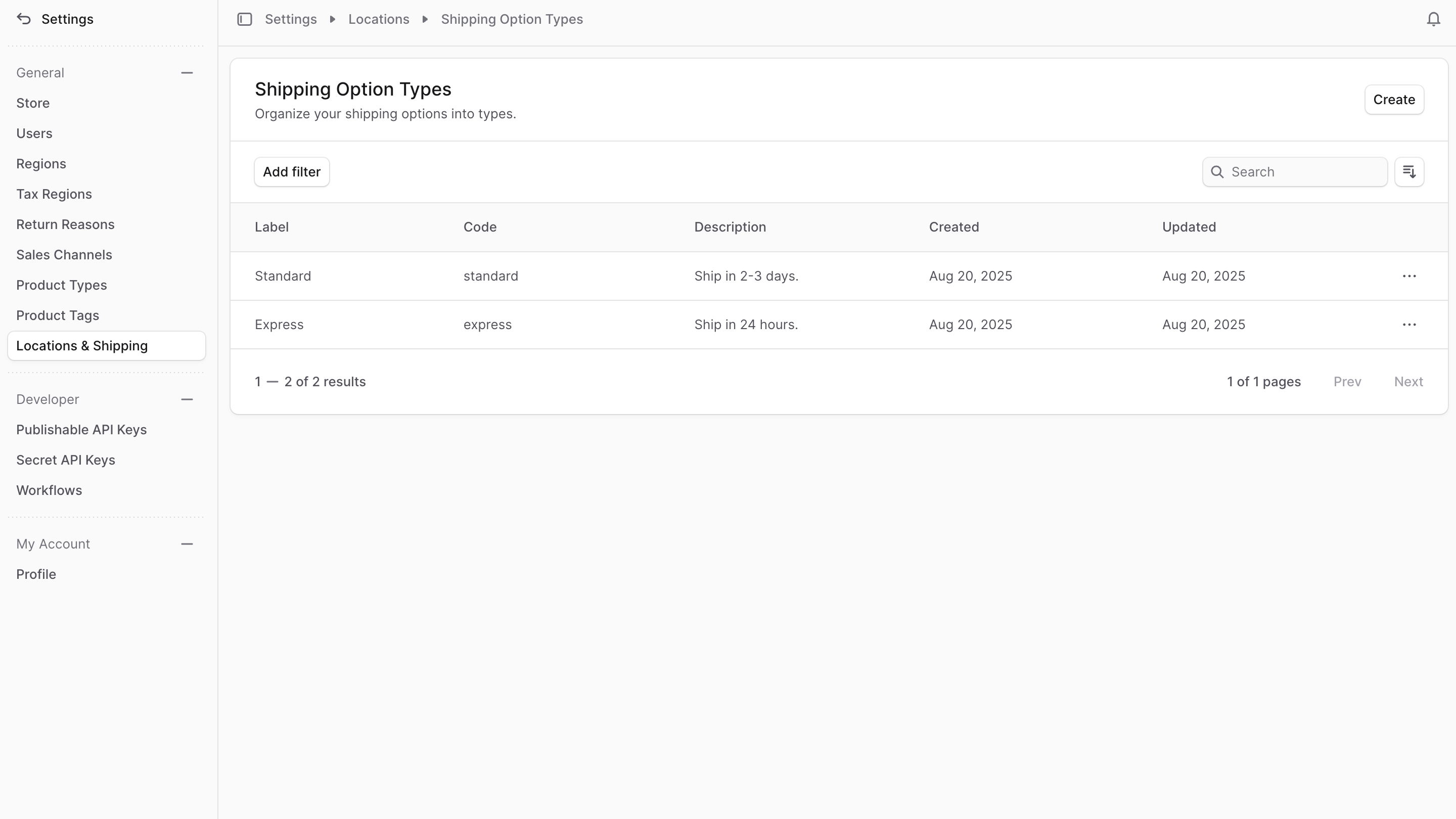
- Go to Settings → Locations & Shipping.
- In the Shipping Configuration section, click Shipping Option Types.
Here, you can see a list of all the shipping option types you have set up. You can also search, filter, and sort the shipping option types to find the one you are looking for.
Create Shipping Option Type
To create a shipping option type:
- Go to Settings → Locations & Shipping.
- In the Shipping Configuration section, click Shipping Option Types.
- Click Create in the main section's header.
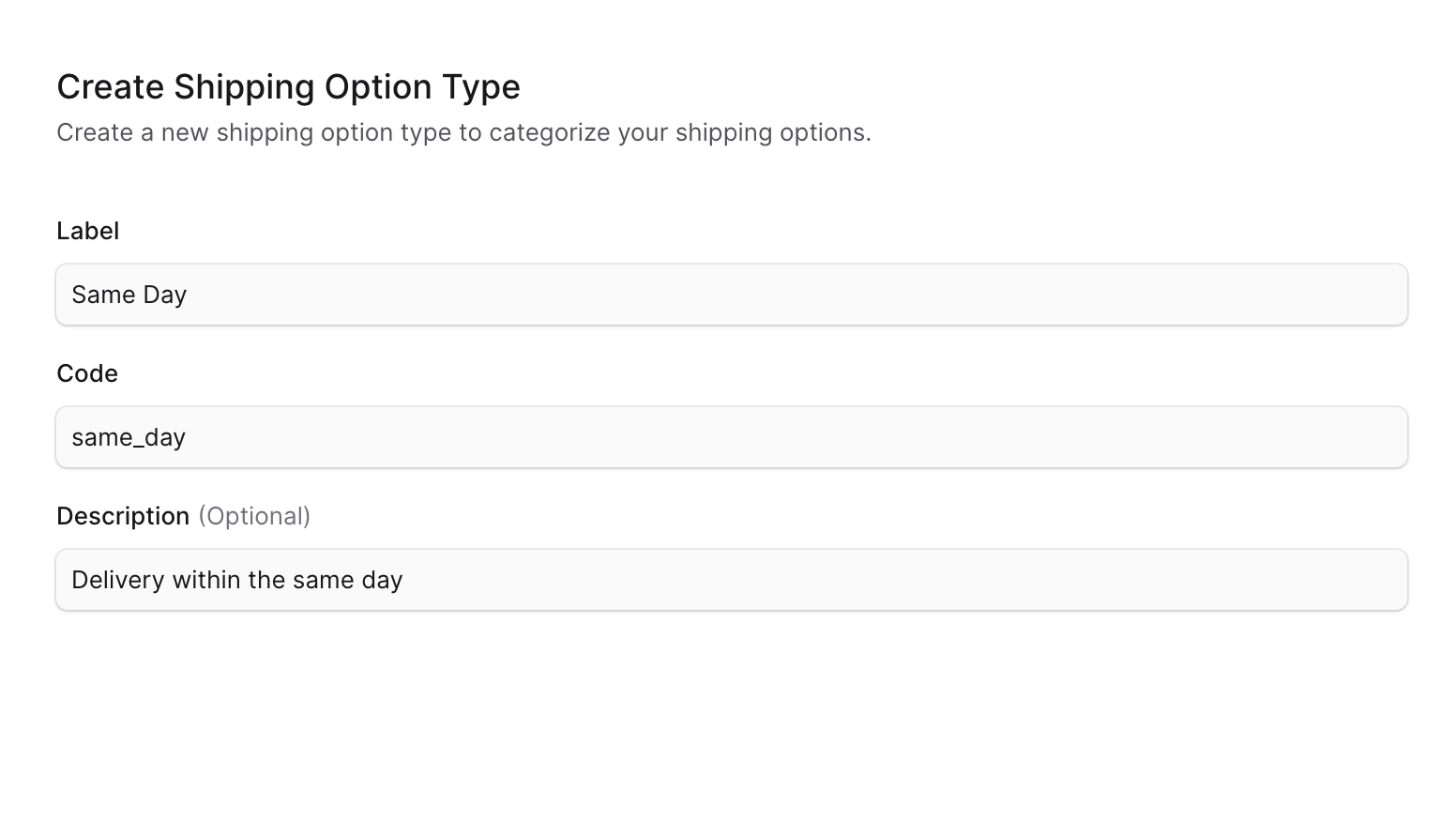
- In the form that opens, enter:
- Label: The name of the shipping option type that can be displayed to customers. For example, "Same Day".
- Code: A unique identifier for the shipping option type. For example,
same_day. - Description: A brief description of the shipping option type. This is optional but can help provide more context. For example, "Delivery within the same day".
- When you're done, click Create.
View Shipping Option Type Details
To view the details of a shipping option type:
- Go to Settings → Locations & Shipping → Shipping Option Types.
- Click the shipping option type you want to view.
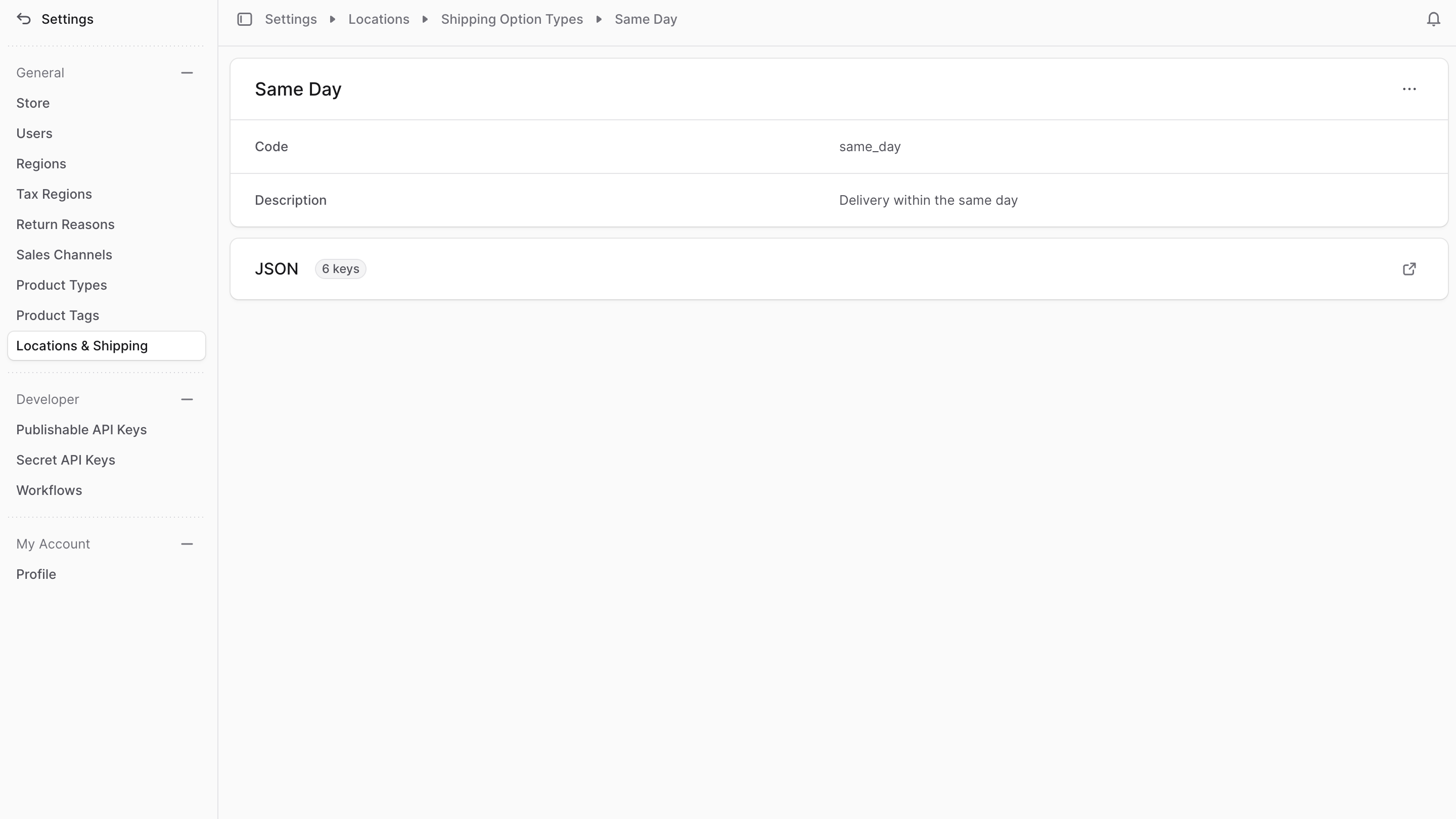
This opens the shipping option type's details page, where you can also manage the shipping option type.
Edit Shipping Option Type Details
To edit a shipping option type's details:
- Go to the shipping option type's details page.
- Click the three-dot menu in the first section's header.
- Choose Edit from the dropdown.
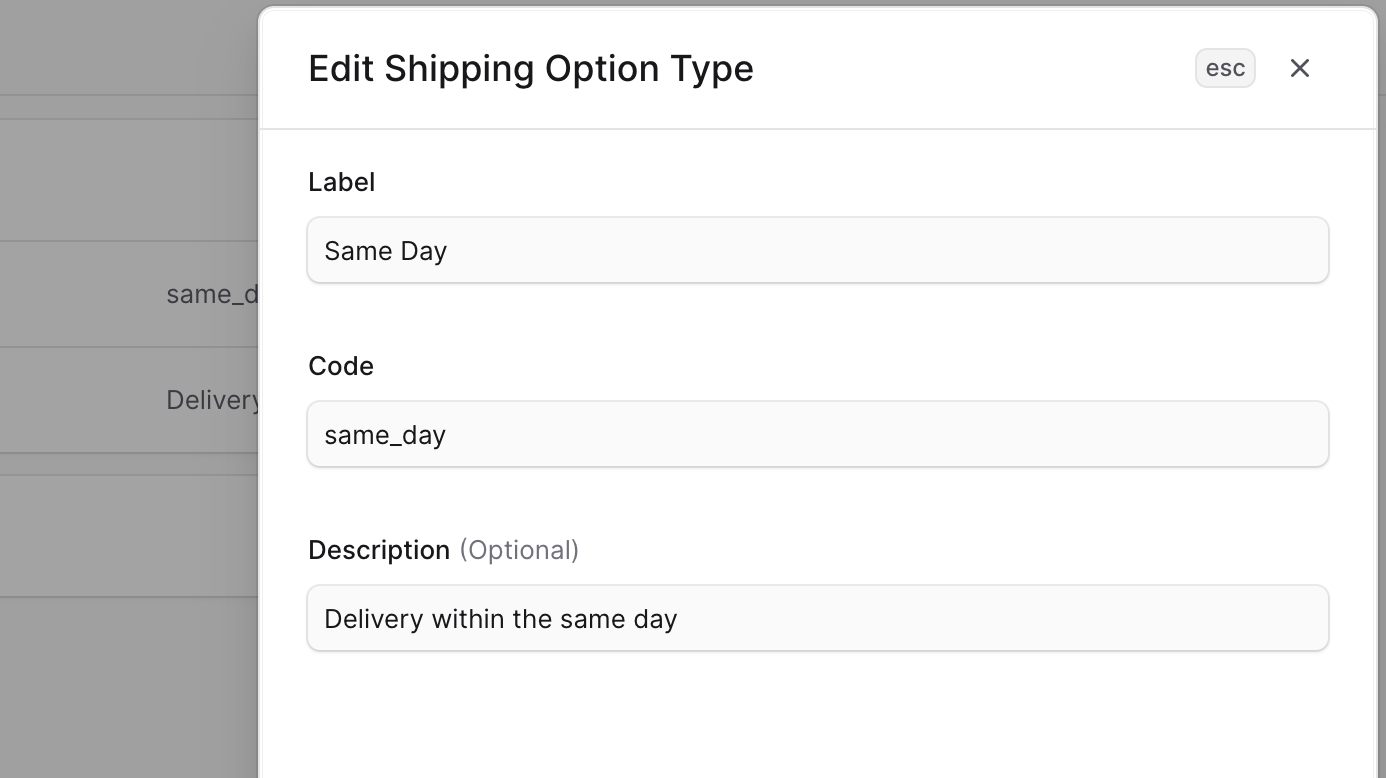
- In the side window that opens, edit the shipping option type's label, code, and description.
- When you're done, click Save.
Delete Shipping Option Type
Deleting a shipping option type is irreversible.
To delete a shipping option type:
- Go to the shipping option type's details page.
- Click the three-dot menu in the first section's header.
- Choose Delete from the dropdown.
- Confirm the deletion in the pop-up.